Check how many CPU cores on Windows and on Linux
How to check how many CPU cores I have on Windows & Linux?
What is a core in a CPU? In summary, a core is a small CPU or processor built into a big CPU or CPU socket. It can independently perform or process all computational tasks. From this perspective, we can consider a core to be a smaller CPU or a smaller processor within a big processor. Today, CPUs have been two and 18 cores, each of which can work on a different task. A core can work on one task, while another core works a different task, so the more cores a CPU has, the more efficient it is.Open a command prompt (Windows) or Terminal (Linux) and type:
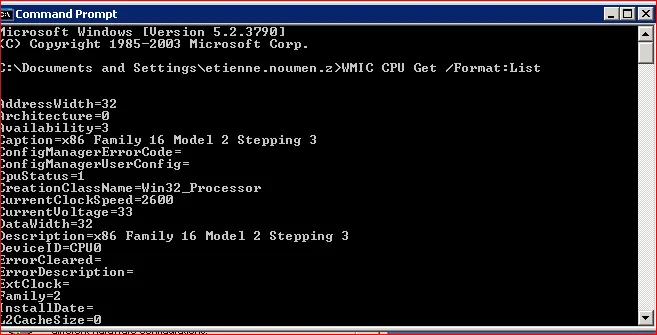
- Windows: WMIC CPU Get /Format:List
- Linux: cat /proc/cpuinfo | grep processor | wc -l
For more details on Linux: ls /sys/devices/system/cpu/
What does 4 CPU cores mean?
A quad-core CPU has four processing cores in a single chip. It is similar to a dual-core CPU, but has four separate processors (rather than two), which can process instructions at the same time.